Business Automation & CRM Workflows
Give every enquiry a clear next step.
Connect the repetitive parts of your business workflow: capturing an enquiry, assigning responsibility, preparing a quote and tracking follow-up. Start with one useful process and expand once it works.
For teams managing leads and operational work across forms, spreadsheets, email or an existing CRM.
A useful starting brief
Bring these to the conversation.
- The process you want to improve
- Current tools, roles and handoffs
- A redacted example of the inputs and outputs
Custom quote
Scope and delivery agreed after review.
Choose the right scope
Connect existing tools or build a custom workflow?
Connect existing tools
Improve a workflow using the systems you already use, where supported integrations are available.
Build a custom workflow
Create a tailored dashboard or process when existing tools cannot represent the work clearly.
What we can build
A clear set of deliverables.
Workflow map
Document the trigger, steps, owners, approvals and desired outcome.
Enquiry handling
Agree lead capture, routing, status tracking and follow-up reminders.
Controlled integrations
Define supported connections, access boundaries and third-party costs.
Recovery & handover
Plan error handling, review steps and practical guidance for the people using the workflow.
Illustrative project scope
Start with the work your team needs to do.
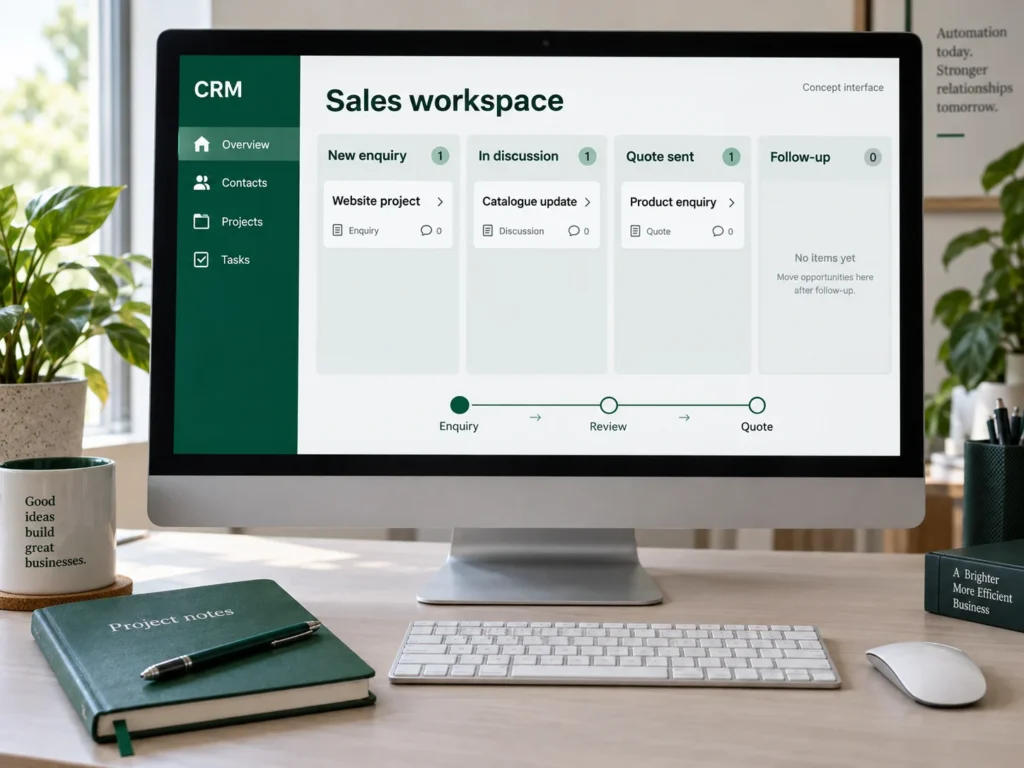
A website enquiry could create a CRM record, assign an owner and prepare a quotation task. A person reviews the quote before it is sent. This is an illustrative workflow; the exact integrations depend on your tools.
How we work
From a useful brief to a practical handover.
Step 1
Map
Review the current process and choose a measurable first improvement.
Step 2
Design
Agree responsibilities, approval points and data handling.
Step 3
Connect & test
Build the agreed steps and check failures as well as successful runs.
Step 4
Handover
Document operation, access and the support arrangement.
Investment & boundaries
Quoted around your requirements.
Custom quotation after workflow review. Connecting an existing CRM and building a new one are different projects. Subscription fees, API access, migration and ongoing operation are itemised. Automated outbound messaging requires a separately agreed scope and approval process.
Delivery: we confirm the schedule after reviewing the scope, required content and access. Included revisions and support responsibilities are set out in your quotation.
Let’s define your first step.
Share the brief with us. We’ll clarify what is needed and prepare a written quotation before work begins.
Questions before you start
The details that matter.
Not necessarily. We first check whether the existing system can support the required workflow.
Yes. Approval and review points can be part of the agreed workflow, especially for quotations and external communication.
The design should define error visibility, retry behaviour and who reviews failed work. These are agreed and tested within scope.
Migration requires a sample review, field mapping and a validation plan, and is quoted separately where needed.
Only when specified. We agree who operates the workflow, what is monitored and which support tasks are covered after handover.
Connected services
Build on the same foundation.
WhatsApp Business Automation
Custom Web Applications & Software
Tender & Quotation Workflow Tools
Boaz Build
Talk through your project with us.
Tell us what you want to achieve and what you already have. We’ll help define a useful, manageable scope.